Tracker 360 • Smart study planning
Turn Your Lecture Backlog Into a Plan You Can Actually Finish
Tracker 360 turns your lecture planner, backlog and target date into a realistic day-by-day study roadmap. Instead of guessing what to study next, you get a structured plan built around your remaining lectures, subjects and preparation timeline.
Free to start • No credit card required • Built for serious exam preparation
Everything You Need to Prepare Smarter
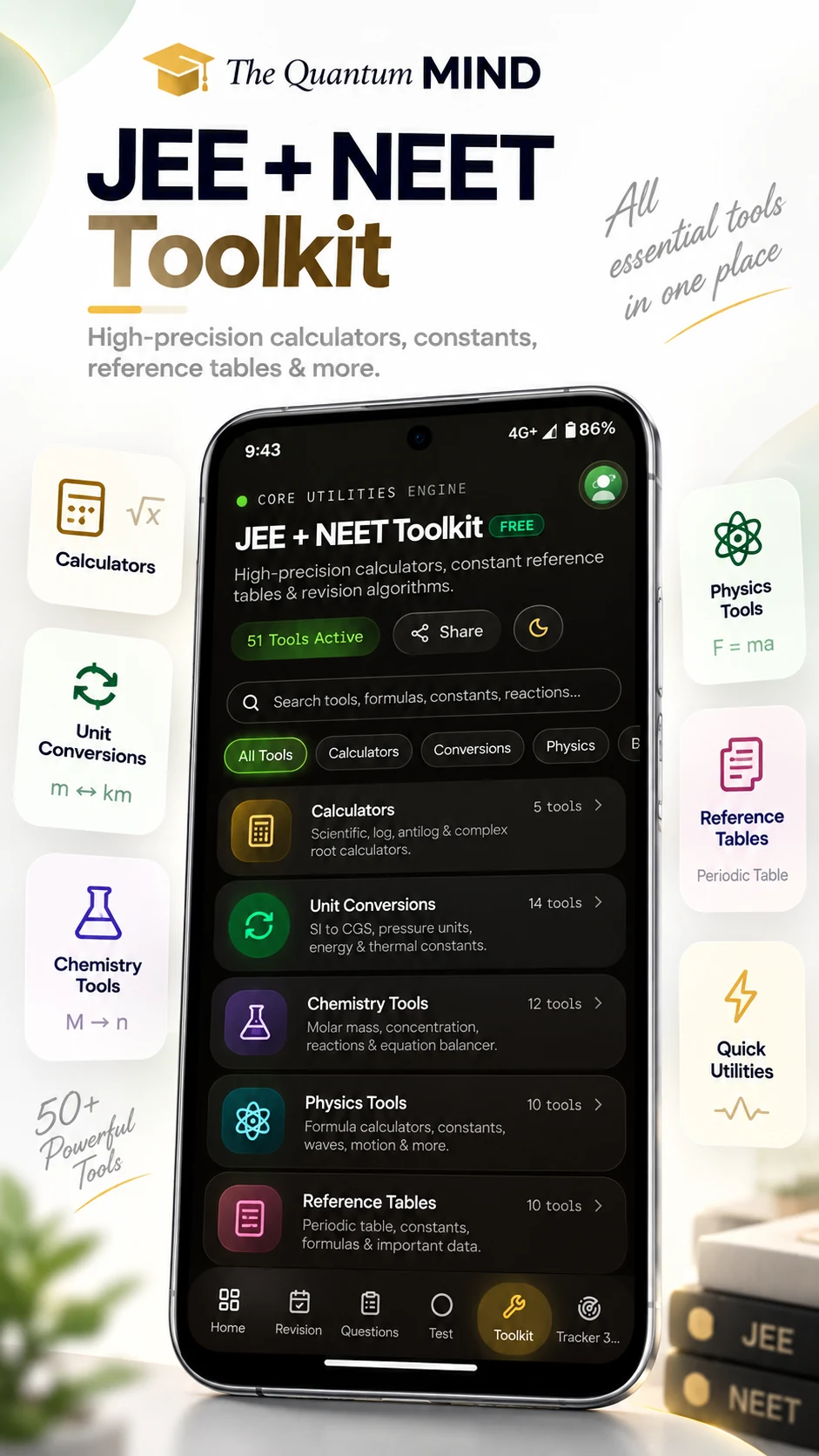
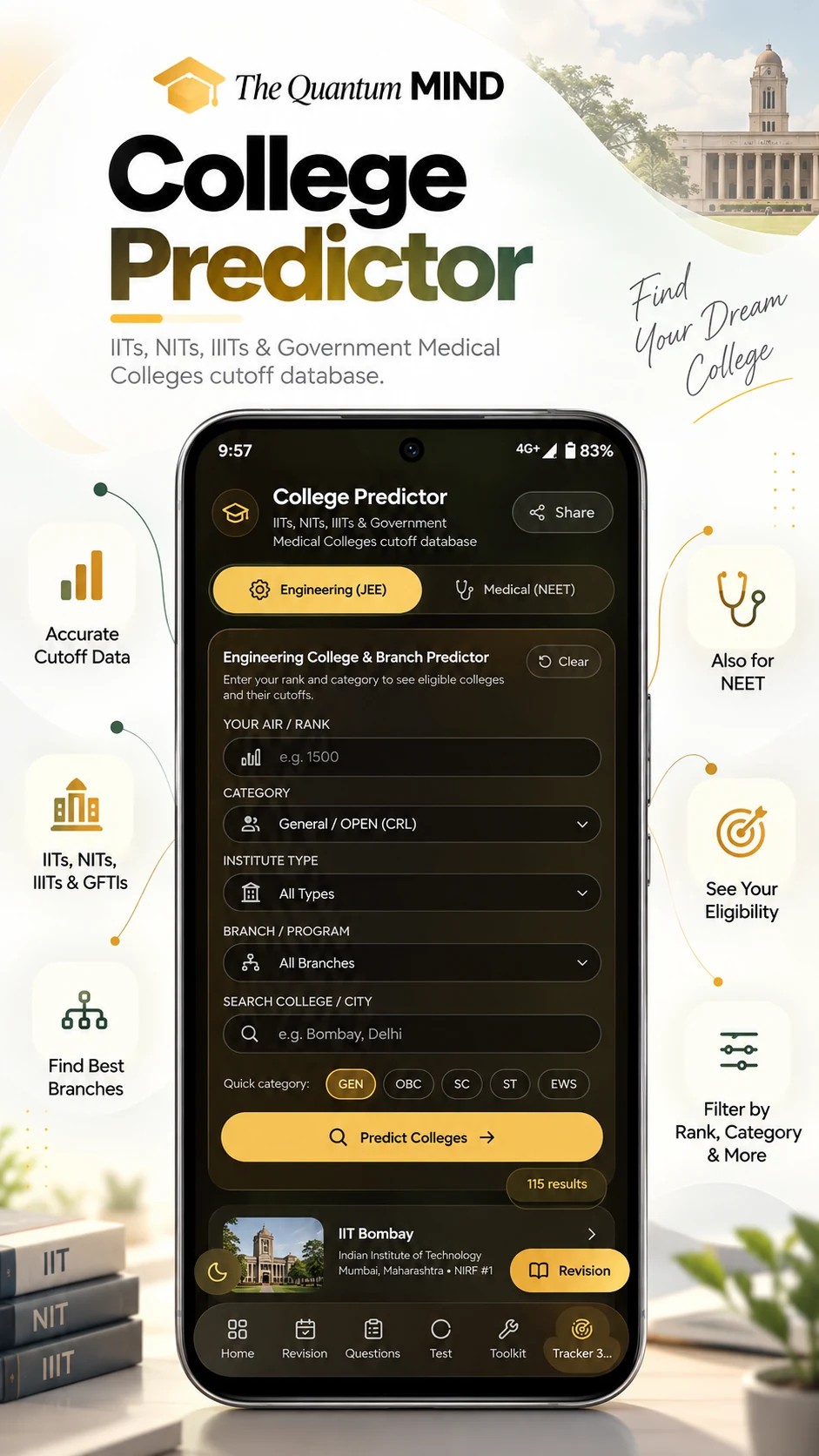
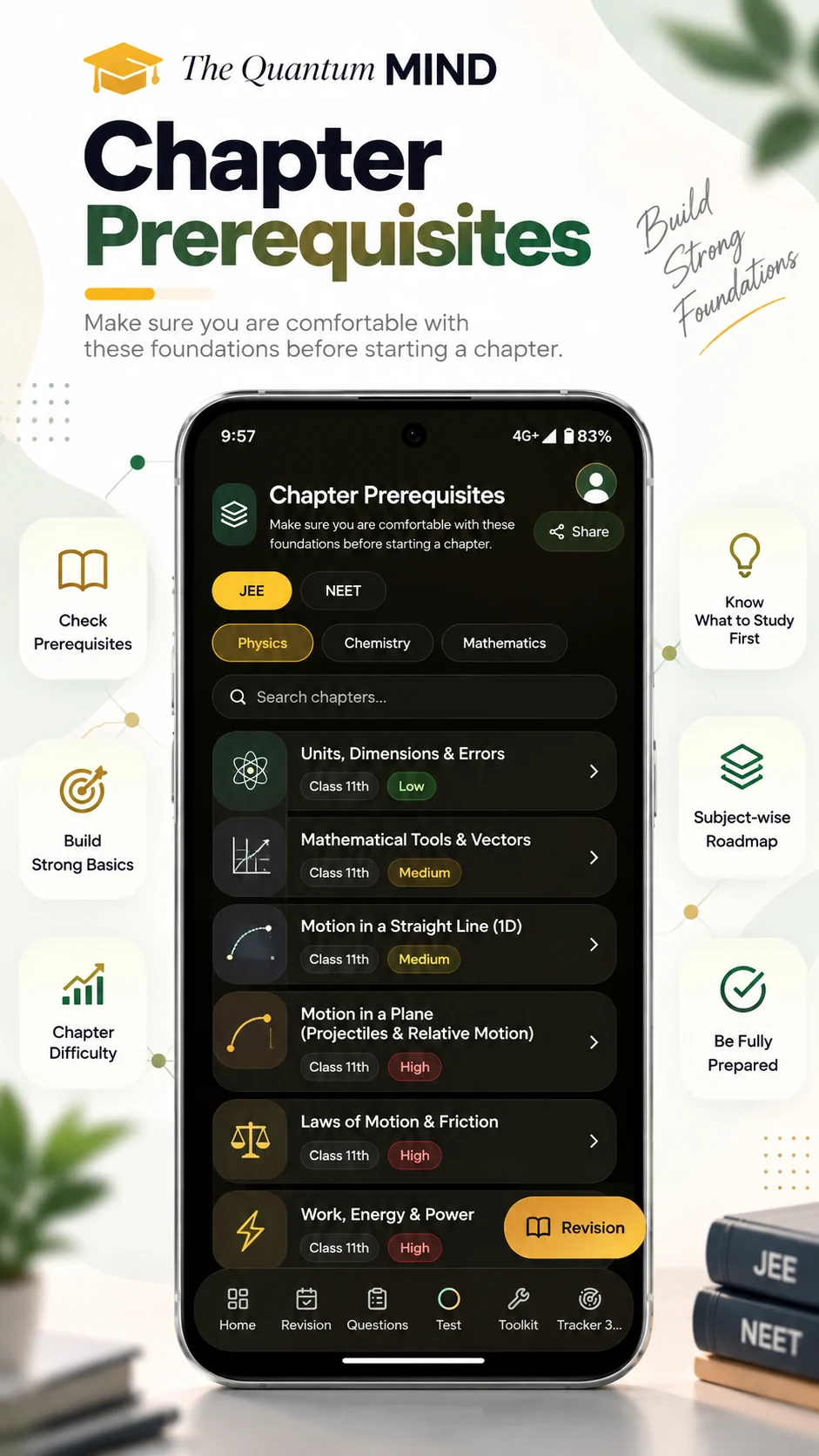
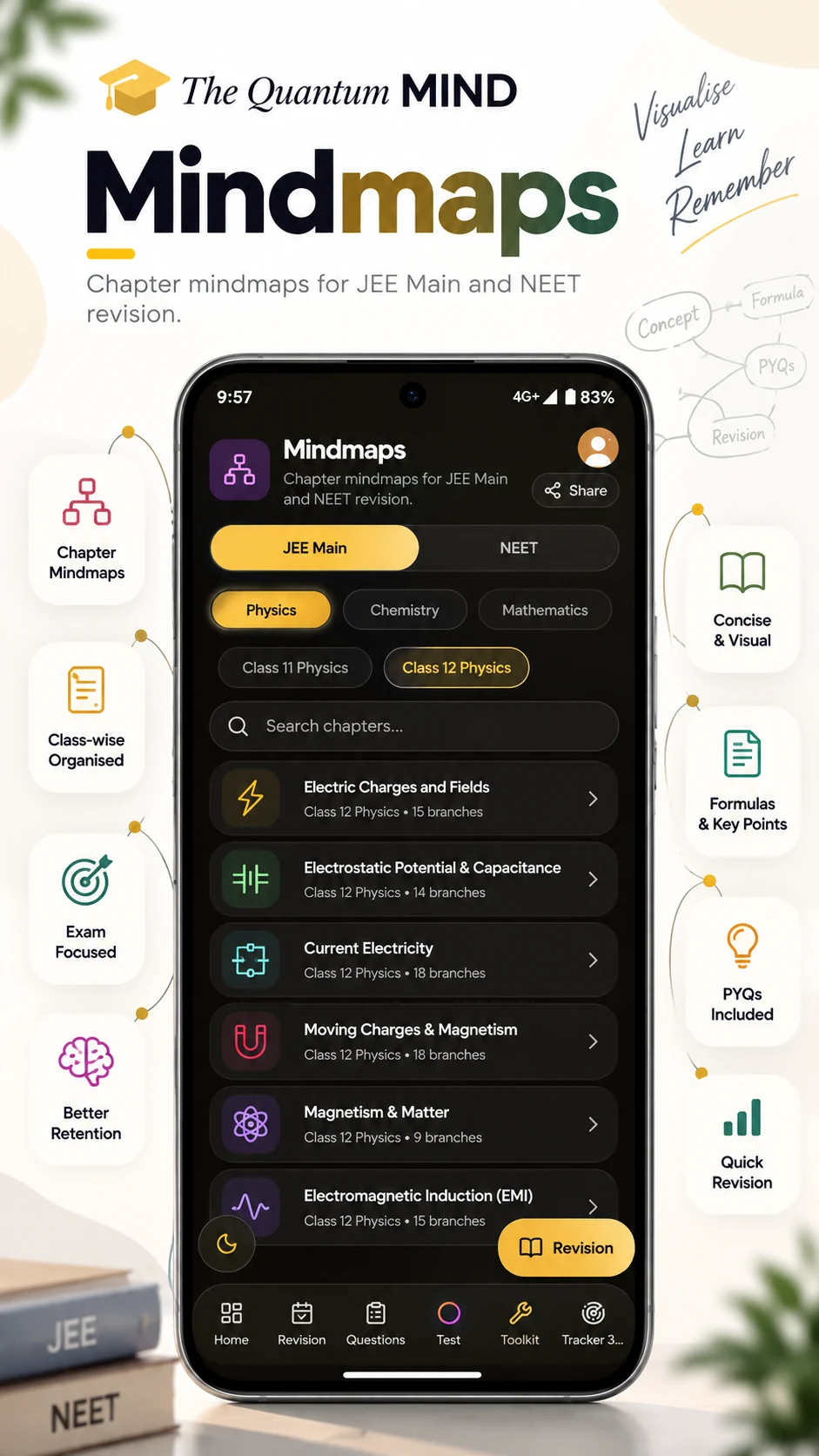
Explore the tools inside The Quantum MIND
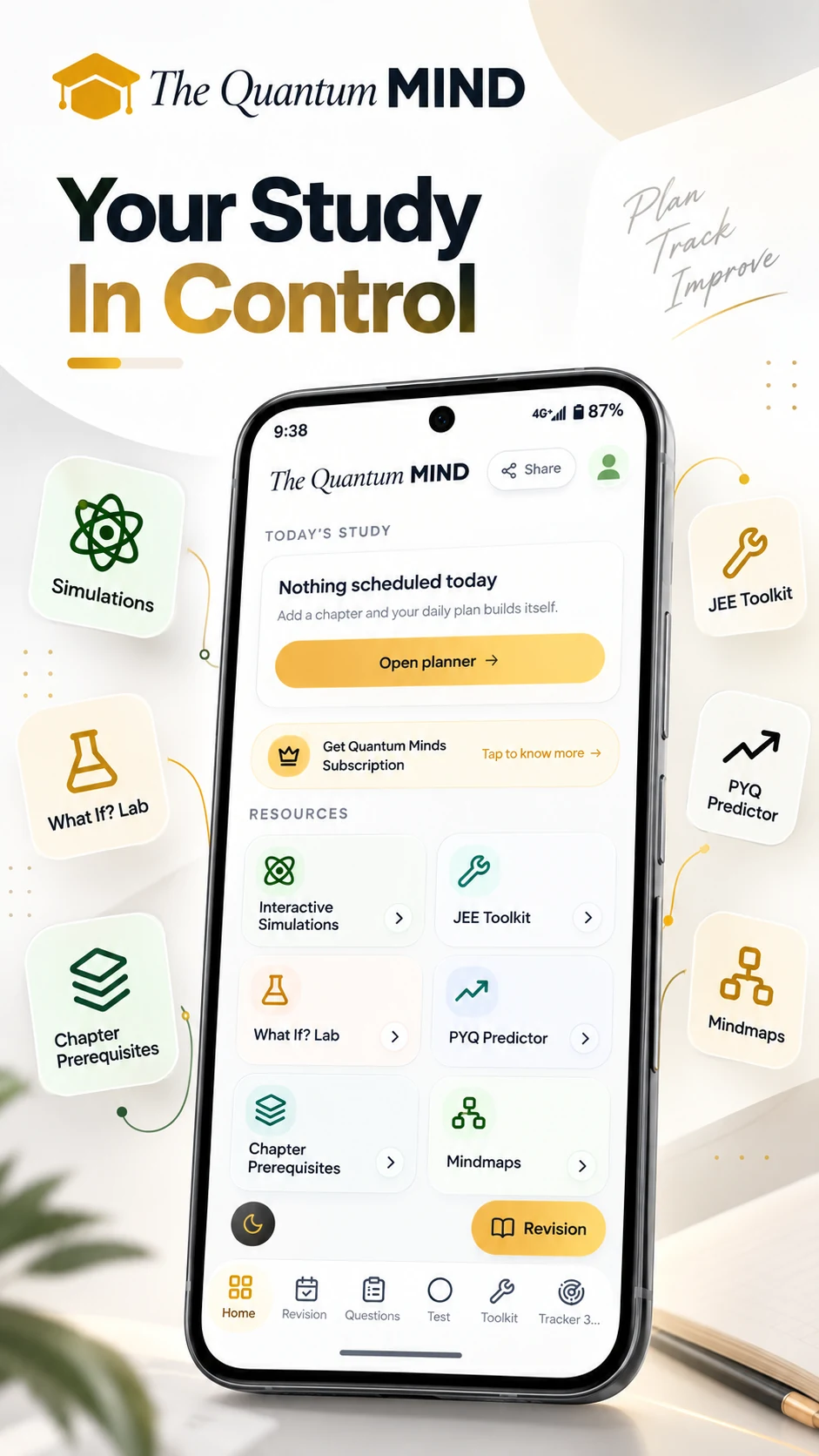
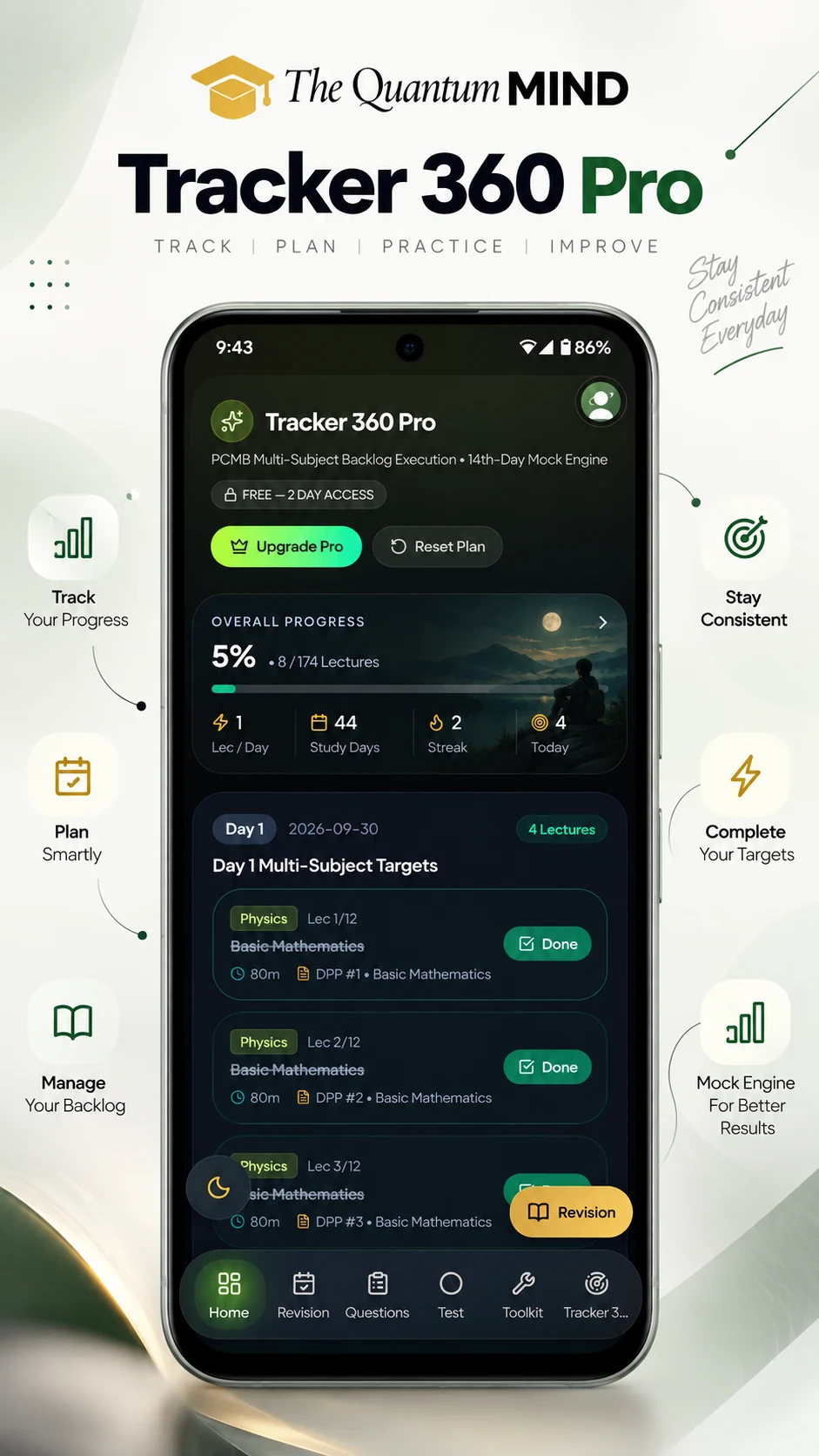
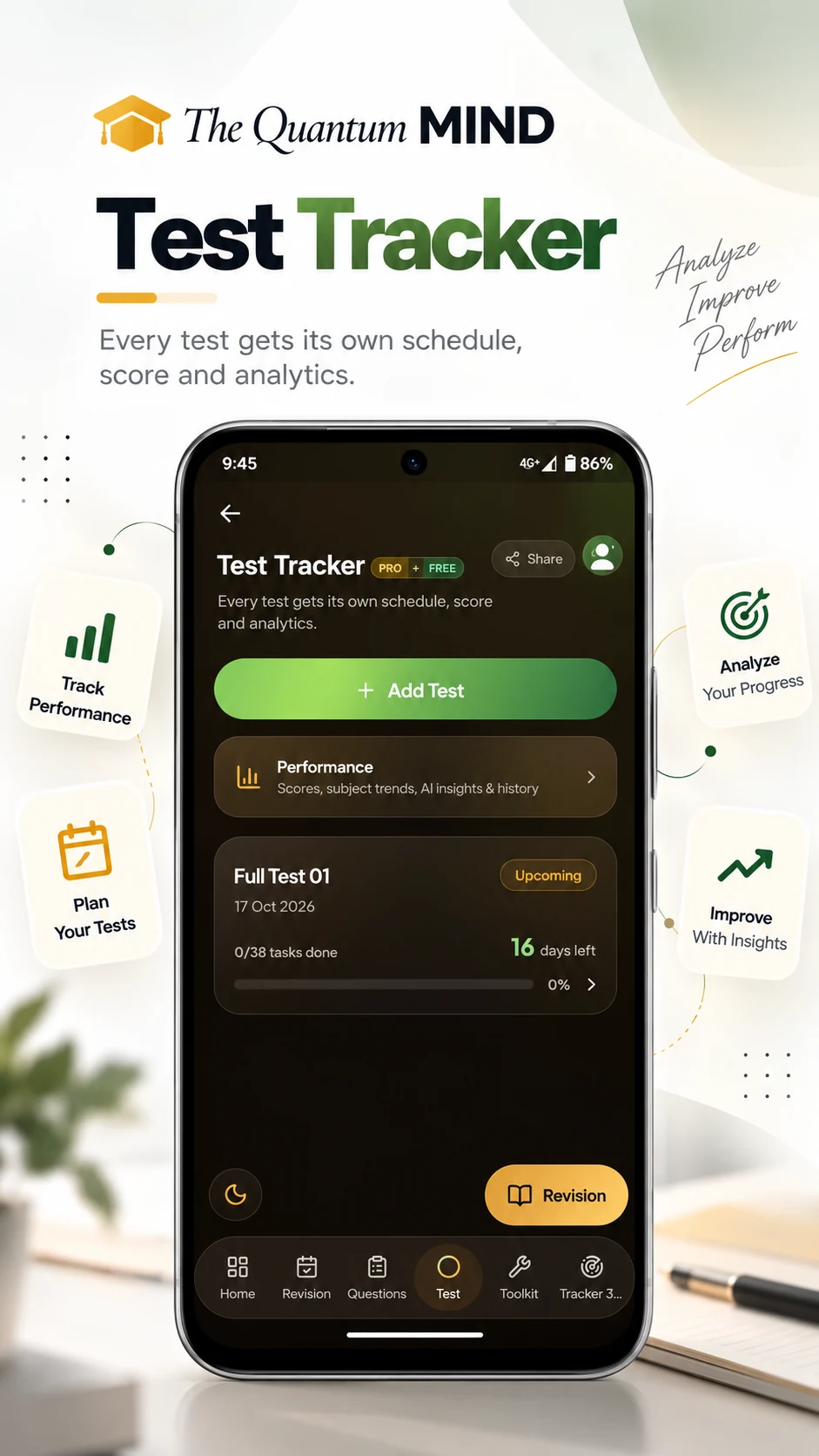
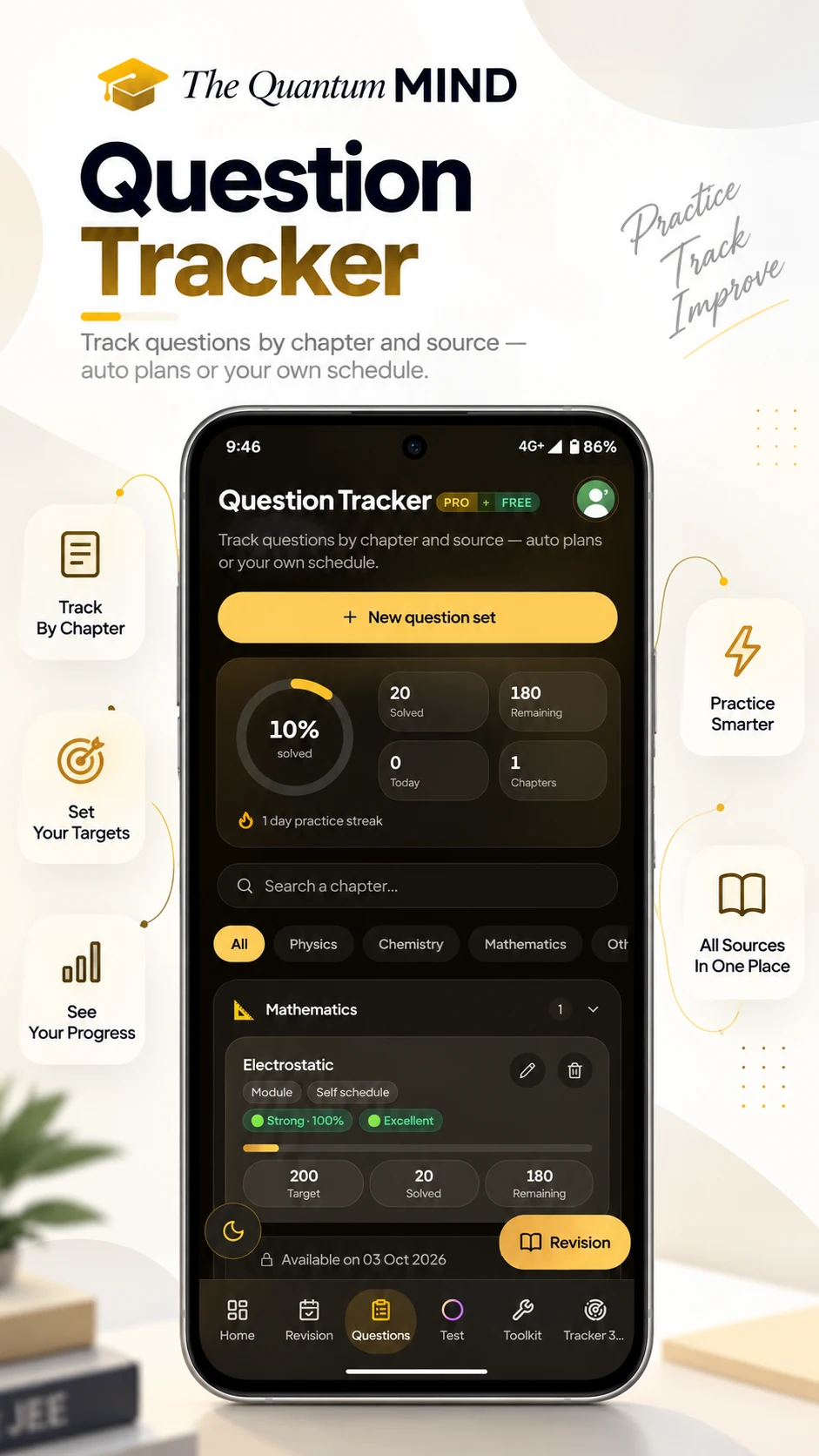
The idea
What Is Tracker 360?
Tracker 360 is a study planning and lecture roadmap system that helps students convert a large syllabus or coaching lecture backlog into a structured preparation plan.
You tell it which chapters are still pending, how fast you watch lectures and when you want to be done. It returns a study timetable: a dated list of lectures and DPPs for every working day, with revision and test days already protected.
It is built for students whose plan keeps breaking — a batch that moved, a week that was lost, a subject that stalled. Because the lecture planner is rebuilt from what is actually left, the plan stays honest instead of drifting further behind each week.
The result is a preparation tracker that answers one question clearly every morning: what do I study today, and how much of the syllabus is still ahead of me?
The problem
Why Normal Study Timetables Stop Working
Fixed timetables go stale
A schedule written once cannot survive a changed coaching batch or a missed week.
Missed lectures pile up
Backlog grows quietly until the syllabus feels impossible to finish.
Unclear daily load
Without a number for “lectures per day”, every day feels either too light or hopeless.
Subjects go unbalanced
One subject eats the week and the others stop moving entirely.
Revision gets postponed
There is no reserved space in the week, so revision is always “next week”.
No completion visibility
A timetable tells you what to do today, not how much of the syllabus is actually done.
Tracker 360 turns the backlog into a roadmap.
Process
How Tracker 360 Works
- 01
Add your lectures
Import a coaching lecture planner as structured data, or pick chapters subject by subject.
- 02
Choose your target
Set a target window from 15 days up to 4 years and the study days you actually have.
- 03
Build your roadmap
Tracker 360 spreads the remaining lectures across those days with a realistic daily load.
- 04
Follow your daily workload
Each day shows exactly which lectures and DPPs belong to it — no daily planning by hand.
- 05
Track completion
Tick lectures off and watch the completion percentage and remaining work update live.
- 06
Adjust and continue
Change the target date or chapter selection and regenerate the roadmap around what is left.
Feature 01
Turn a Lecture Planner Into a Roadmap
Convert a coaching lecture planner into structured lecture data — chapter titles, lecture counts and DPP tags — then let Tracker 360 lay it out on a calendar. The tutorial inside step 1 walks through the exact conversion.
- Lecture planner
- Structured lecture data
- Personal timeline
- Daily roadmap
Feature 02
Your Target Date Becomes a Daily Plan
Tracker 360 takes your remaining lectures, your available study days and your playback speed, then works out the daily workload needed to reach your target date — instead of leaving that arithmetic to you.
- Target date
- Remaining lectures
- Available days
- Lectures per day
Feature 03
Stop Carrying the Same Backlog Every Week
Select only the chapters that are still pending. Everything you have already finished stays out of the schedule, so the roadmap reflects real remaining work rather than the full syllabus.
- Backlog
- Remaining work
- Daily allocation
- Progress
- Completion
Feature 04
Keep Multiple Subjects Moving
Physics, Chemistry, Maths and Biology are interleaved into one balanced day. You can also add a custom subject. The point is simple: no single subject is allowed to consume the whole schedule.
- Physics
- Chemistry
- Maths
- Biology
Feature 05
Make Space for Revision and Testing
Every 14th day and every Sunday is kept free of new lectures, so there is room for a full-length test, DPP clearance or revision without pushing the roadmap out of shape.
- Day 13 lectures
- Day 14 test
- Sunday revision
Feature 06
Know How Much Work Is Actually Left
A live completion bar, lectures done versus lectures remaining, and progress against your target window. Measurable progress is more useful than a timetable you cannot audit.
- Completed
- Remaining
- Target window
Your timetable is only the beginning. Once lectures are done, revision decides what actually stays.
Explore Revision PlannerBenefits
Why Students Use Tracker 360
- Less timetable guesswork — the daily number is calculated for you
- Clearer daily workload across every selected subject
- Backlog becomes visible instead of vague
- More realistic target dates you can sanity-check
- Revision and test days built into the week
- Progress you can measure, not estimate
Who it's for
Built for Different Preparation Situations
Starting from scratch
Plan a full syllabus from day one with a realistic finish date.
Carrying lecture backlogs
Select only pending chapters and rebuild the plan around them.
Following a coaching batch
Convert the batch lecture planner into your own day-by-day roadmap.
Droppers
Long horizons, heavy backlog and fixed test days in one schedule.
Class 11 students
Keep pace with new chapters without letting older ones slip.
Class 12 students
Balance board syllabus with competitive preparation.
Competitive exam aspirants
Plan around a target exam date and protected test days.
Racing a deadline
Compress the remaining syllabus into the days you actually have left.
Ecosystem
One Planning System. Different Exam Goals.
The same roadmap engine sits behind every exam track on The Quantum Minds. Open the page closest to your goal to see how the workflow is shaped for it.
Comparison
Tracker 360 vs a Traditional Timetable
Traditional timetable
Fixed schedule
Tracker 360
Roadmap rebuilt from remaining work
Traditional timetable
Manual workload maths
Tracker 360
Daily load calculated from your target date
Traditional timetable
Backlog stays hidden
Tracker 360
Pending chapters drive the plan
Traditional timetable
Revision postponed
Tracker 360
Sundays and every 14th day kept free
Traditional timetable
Generic timetable
Tracker 360
Built from your own lecture list
Traditional timetable
No progress visibility
Tracker 360
Live completion analytics
Value
Serious Planning Without an Expensive Study App
You can start planning with Tracker 360 for free and without a card. The free tier is there so you can build a roadmap and see whether the pacing suits you before paying for anything.
Extended access is part of the paid plan, alongside the rest of the platform. Plans and current prices are listed in one place so there is nothing to guess.
Designed to give students more planning value without unnecessary complexity.
Workflow
Build Your Complete Preparation Loop
Planning is one stage. Each link below opens the tool that carries your preparation to the next one.
Frequently Asked Questions About Tracker 360
Ready to Turn Your Backlog Into a Roadmap?
Start with your target date, organize your remaining work and let Tracker 360 turn it into a plan you can follow.